How to choose a desktop PC for home, office or shop
For a counter, an office desk or a study table, a desktop gives more speed for the money than a laptop and is easy to repair. Here is how to pick one that fits your work.
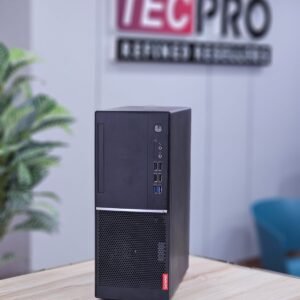
Tiny, small form factor or tower
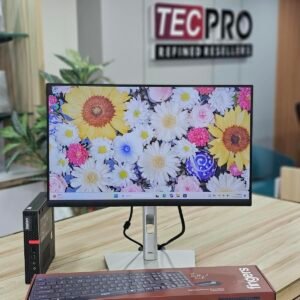
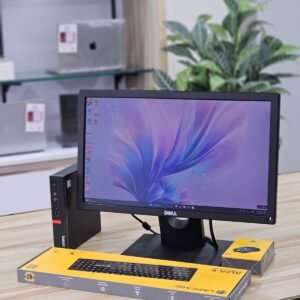
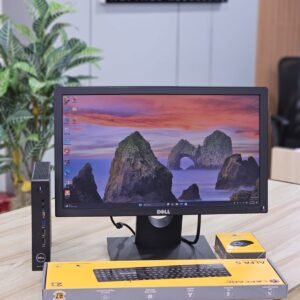
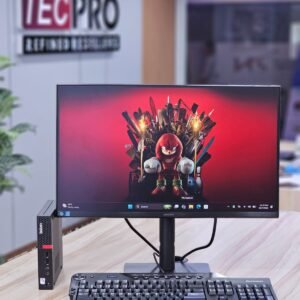
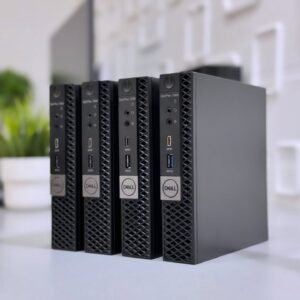
- Tiny PCs fit behind the monitor and use little power; good for billing counters and reception desks.
- Small form factor (SFF) machines have room for an extra disk and a low-profile graphics card.
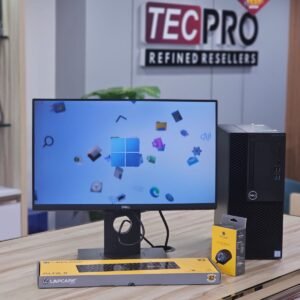
- Tower cases suit a full graphics card and future upgrades.
Specs for common work
- Tally, billing, Office and browsing: Core i3/i5 (8th gen or newer), 8GB RAM, SSD.
- Design or heavy multitasking: Core i5/i7, 16GB RAM, SSD.
- Choose an SSD in every case. It makes an old PC feel new.
CPU only or a full set
- If you already have a monitor, keyboard and mouse, a CPU alone saves money.
- A desktop set (CPU, monitor, keyboard and mouse) is ready to use on the day it arrives.
Protect it
- Use a sine wave UPS or inverter and proper earthing. Voltage problems are the most common reason desktops fail in Kerala.
- Desktops get a 1 month warranty and a 1 year service warranty (no service charge, spare parts only).
Questions
Is a used desktop good for Tally?
Yes. A Core i3 or i5 with 8GB RAM and an SSD runs Tally Prime and billing software smoothly.
Do you set up desktops for offices?
Yes. Ask for a bulk quote; we supply desktop sets for offices, shops and schools across Kerala.
Not sure which one fits you? Ask us on WhatsApp or read another guide.