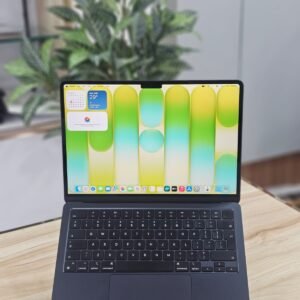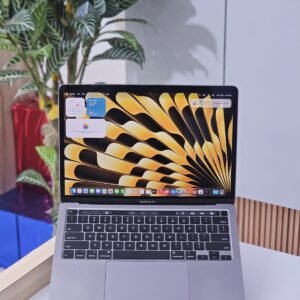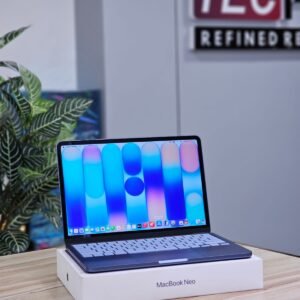
How to choose a used MacBook
A used MacBook with Apple silicon (M1, M2 or M3) is one of the best-value laptops you can buy: fast, silent and long on battery. Here is how to choose the right one.
Apple silicon or Intel
- MacBooks with M1, M2 or M3 chips are much faster and run far longer on battery than older Intel models.
- Choose Apple silicon unless you need a specific Intel-only app. It will also get macOS updates for longer.
Air or Pro
- MacBook Air: light, silent, ideal for study, office and photo editing.
- MacBook Pro: better cooling and screen; choose it for long video edits and heavy work.
RAM and storage
- RAM and storage cannot be upgraded on these models, so choose enough on day one.
- 8GB suits study and office; 16GB for editing and many apps at once.
- 256GB fills quickly with photos and videos; consider 512GB or use cloud storage.
Before you pay
- Check battery cycle count and condition in System Settings → Battery.
- Make sure the MacBook is signed out of the previous owner’s Apple ID (Activation Lock off).
- Every TECPRO MacBook is checked for both before it is listed, and comes with a 1 month warranty and 1 year service warranty.
Questions
Is an M1 MacBook still good to buy?
Yes. The M1 MacBook Air is still fast for study, office and photo work, and gets current macOS updates.
Can I see the MacBook before buying?
Yes. Visit our Nilambur or Calicut showroom, or ask on WhatsApp for a live video of the exact unit.
Not sure which one fits you? Ask us on WhatsApp or read another guide.